
Home Guides
Practical guides
The stuff nobody explains. Explained.
Bus cards, SIM cards, rent, residency, pharmacies, power cuts. Short steps, prices with a date on them, and the official link for each.
New resident guides · 19 October 2026
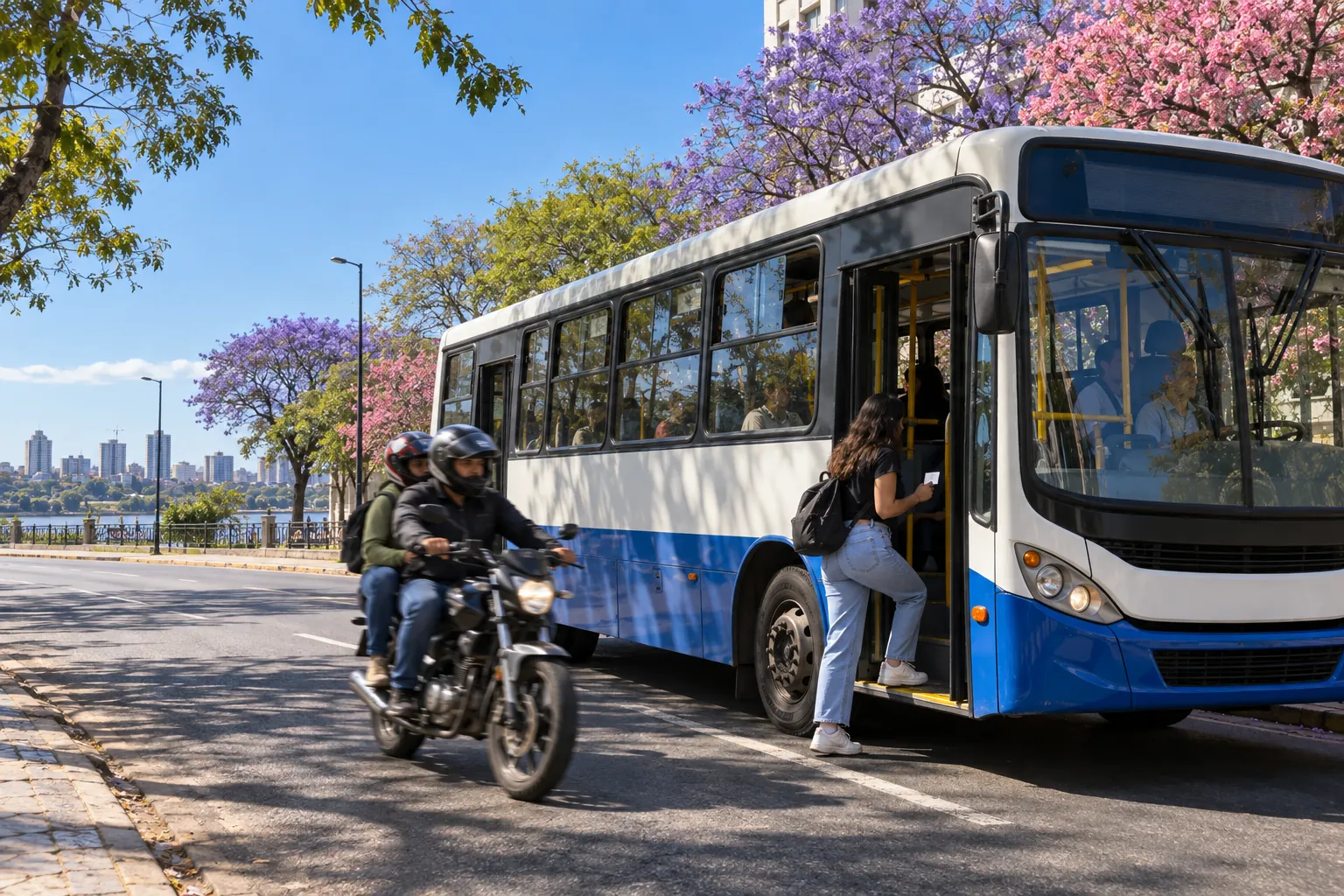
Useful details for everyday journeys, food shopping and cultural visits in Asunción.
Jaha bus cards in Asunción: buying, recharging and avoiding old prices
Where to buy and recharge a Jaha card, how to check balance and protect it, and why the operator’s two published card prices conflict.

Buying mbejú in Asunción: café orders, producer outlets and cooking at home
Dated menu prices, two verified suppliers and practical questions about fillings, dietary needs, portion size and ready-to-cook dough.
Mercado de Abasto in Asunción: shopping for your household
Retail versus wholesale, location, operating-hour caveats, dated vehicle fees and the questions that make a household food shop worthwhile.
01 · Quick answers
The four questions everyone asks.
🚌 Paying for the bus
Buses take a Jaha or Más Tarjeta card, no cash. Más Tarjeta lists its card at Gs. 25,000 with one journey loaded; a ride costs Gs. 2,300, or Gs. 3,400 on differential buses.
Fares as of Sep 2026
🚗 Getting a ride
Bolt, Uber and the Paraguayan app MUV all work here and show the price before you confirm. Street taxis run on the meter from marked stands.
📱 A local SIM
Tigo, Personal and Claro all sell prepaid lines. Tigo's self-activation takes a list of foreign passports; otherwise a carrier branch sets you up with your passport.
02 · Arrive

Arrive
Airport to the city
Bolt, Uber, the official taxi or the E3 bus from Silvio Pettirossi, with fares and ride times.
Read the guide →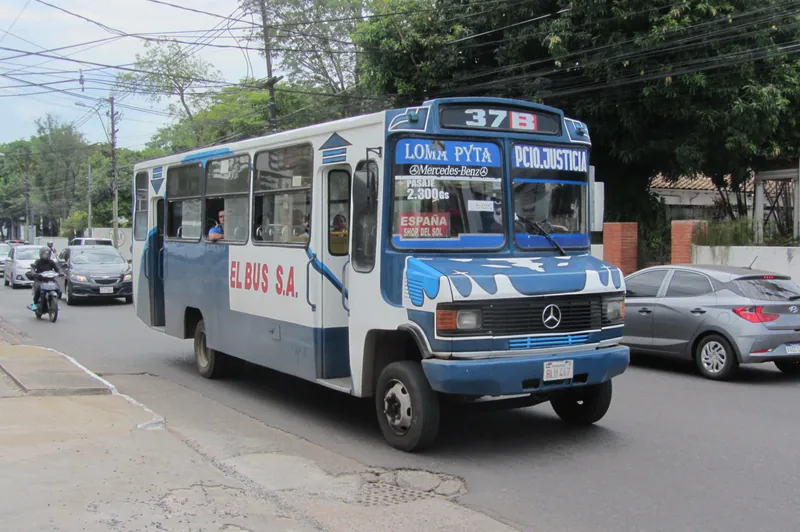
Arrive
Getting around
Bus fares and cards, Bolt, Uber and MUV, metered taxis and night buses.
Read the guide →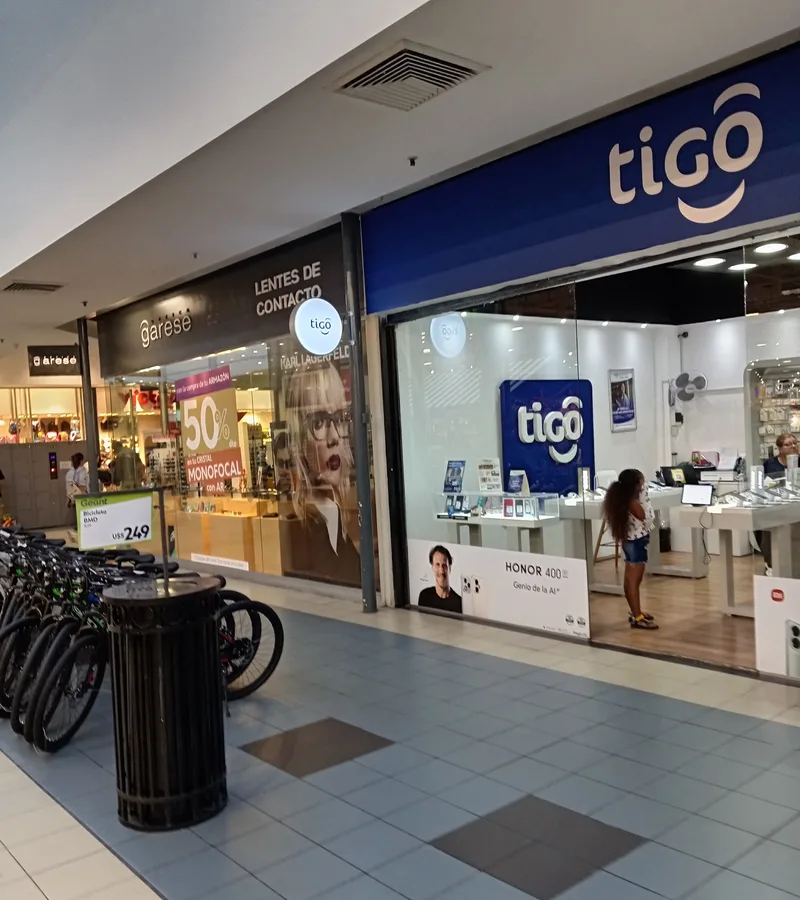
Arrive
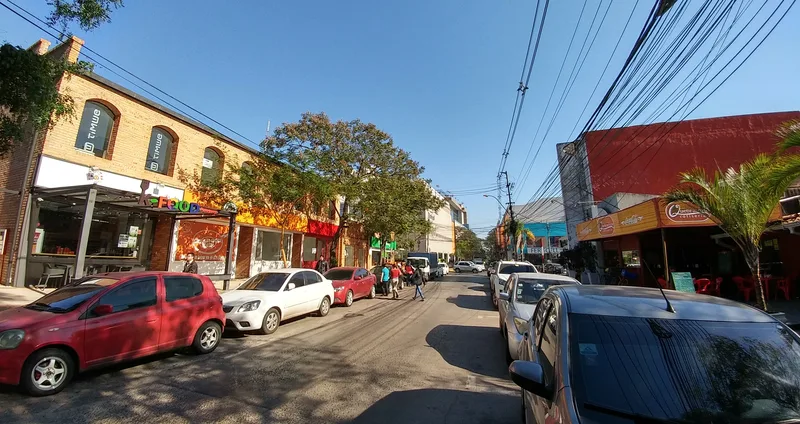
SIM cards
Tigo vs Personal vs Claro, prepaid prices, passport self-activation and tourist eSIMs.
Read the guide →03 · Settle in
Settle in
Where to live
Rents in guaraníes and USD for Villa Morra, Carmelitas, Recoleta and more.
Read the guide →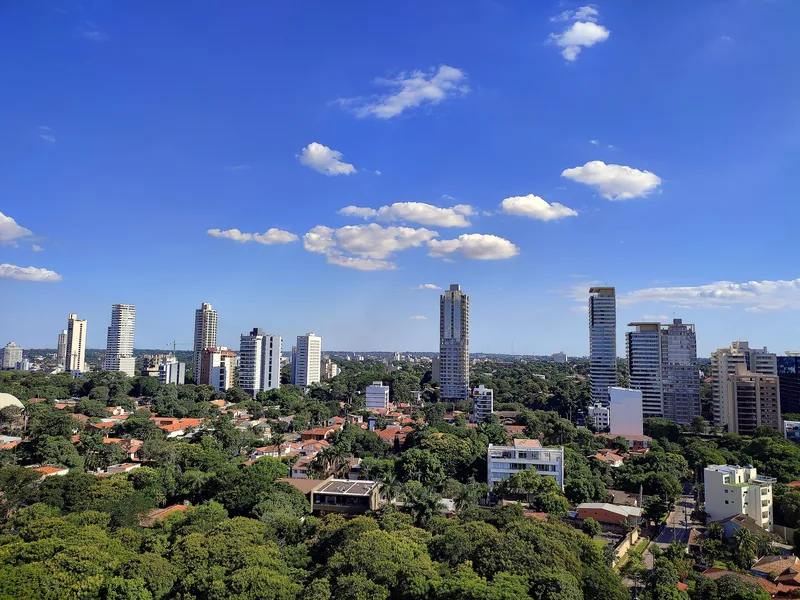
Settle in
Renting an apartment
Deposits, guarantors, agency commissions, utilities and the Facebook scams to dodge.
Read the guide →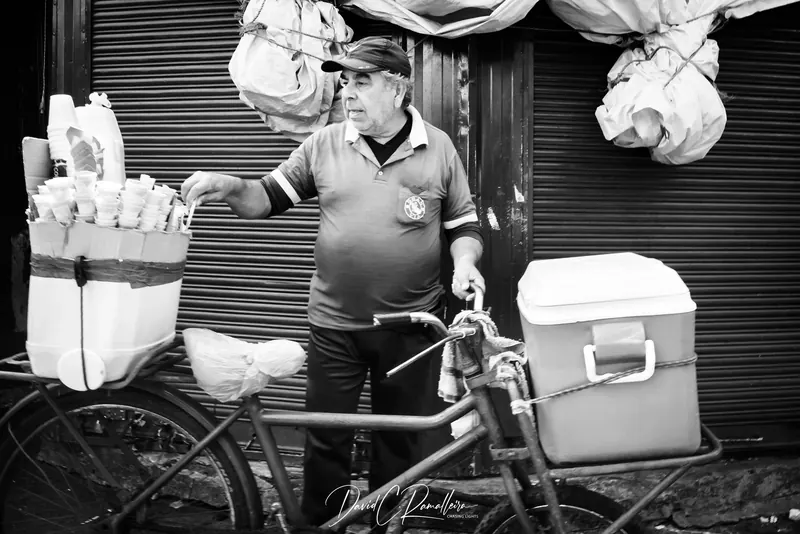
Settle in
Cost of living
Rent by barrio, bills, buses, data, eating out, gym and coworking, with dated prices.
Read the guide →
Settle in
Visa and residency basics
The 90-day visitor stay, who needs a visa, and temporary and permanent residence.
Read the guide →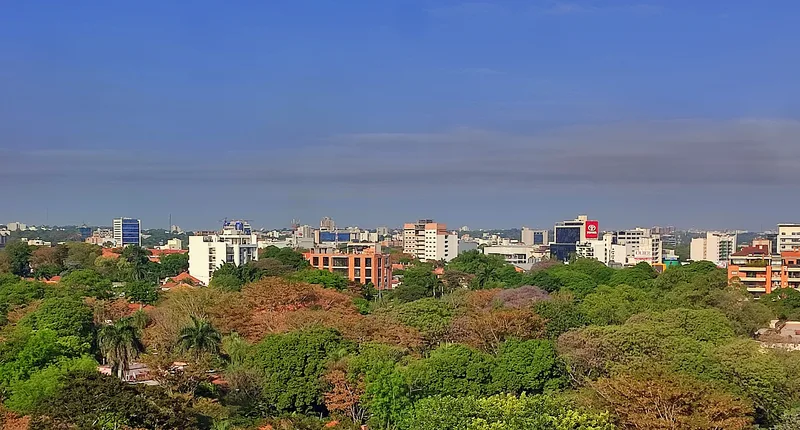
Settle in
Taxes for foreign residents
Territorial taxation, the IRP, IRE and IVA rates, the RUC and the remote-work trap.
Read the guide →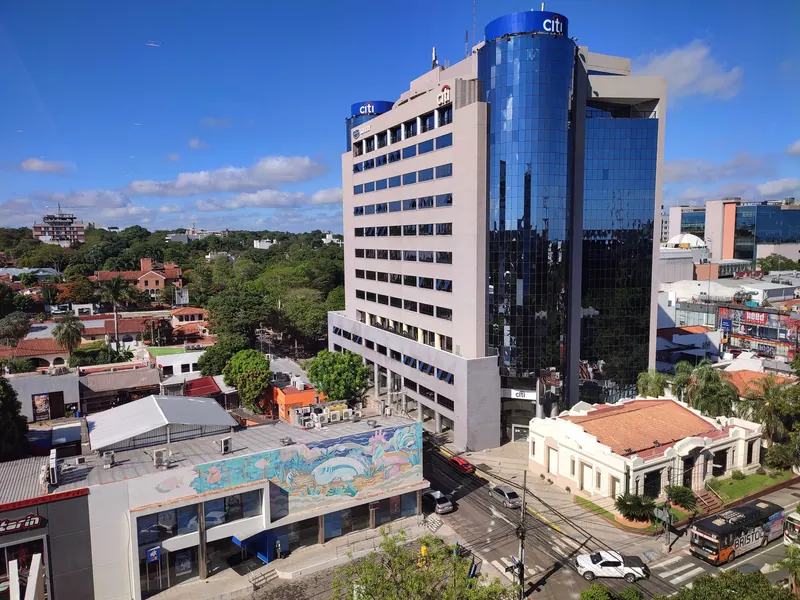
Settle in
Coworking and laptop cafés
Day passes, a free trial day and the cafés that don't mind a laptop.
Read the guide →04 · Stay well
Stay well
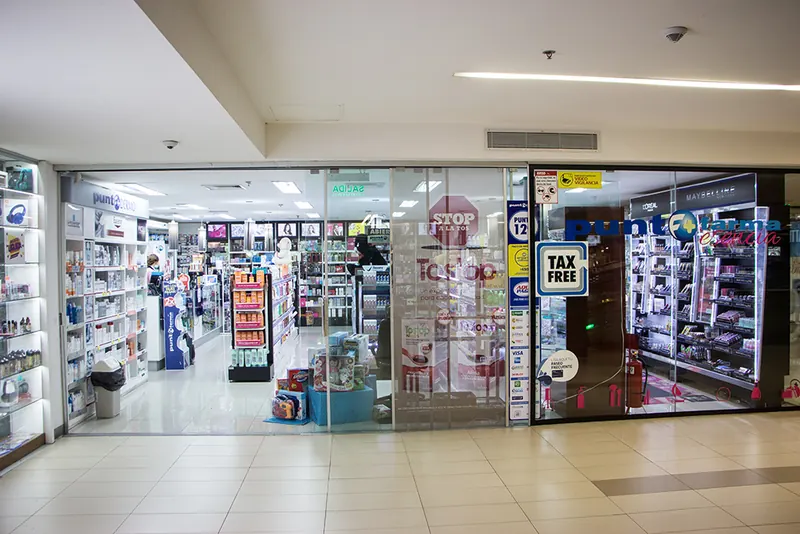
Pharmacies
24-hour branches, the farmacia de turno system, delivery and prescription rules.
Read the guide →
Stay well
Hospitals and emergencies
Ambulance numbers, 24-hour emergency rooms with maps, and public vs IPS vs private.
Read the guide →
Stay well
When the power goes out
Where ANDE posts planned cuts, how to report an outage, and what to do at home.
Read the guide →
Stay well
Summer heat
How hot it gets month by month, what counts as a heat wave, and how to stay cool.
Read the guide →05 · Learn the language

Spotted a change?
Prices move. Tell us.
Tell an admin in the WhatsApp group which guide needs a fix, and include the provider's current link if you have it.