
Checked 12 October 2026
Home internet in Asunción: compare plans and check your building
Choosing home internet in Asunción starts with your building. A plan advertised in the city may still need a coverage check, a free connection point and permission to run cable into your apartment. Get that answer first, then compare the monthly bill, upload speed and installation terms.
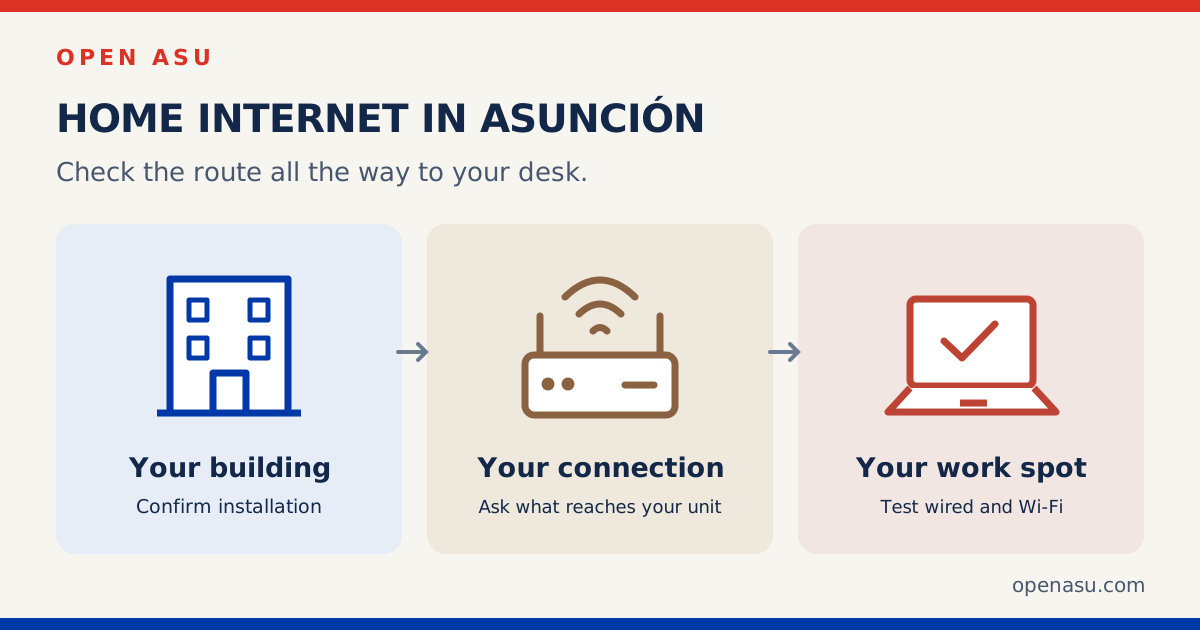
Check coverage at your building, then your apartment
Start with the operator’s official plan page below and its coverage or contact option. Give the operator your exact installation address when you are ready to enquire. A map or a neighbor’s connection can help you shortlist providers; only the operator can confirm that it can install your service.
- Ask the building manager: which operators already serve the building, where cables enter, whether there is a telecom cabinet and who authorizes access. For a rental, agree any drilling or cable route with the owner first.
- Ask the operator: can it connect this apartment, using which last-mile technology, and is a connection point available? Ask whether a technical visit is needed before the order is confirmed.
- Agree the logistics: installation window, access to shared areas, where the router will go and whether any work inside the apartment costs extra. Do not plan an essential call around an unconfirmed installation date.
If internet is included in your rent, ask whose name the account is in, whether the connection is shared with other apartments, what speed is contracted and who handles faults. Our apartment rental guide covers the wider lease questions.
Four operators to compare
These are selected advertised offers in Paraguayan guaraníes, checked on 12 October 2026. Availability and final terms need to be confirmed for the address. The examples below are not a complete tariff list.
Claro: 200 Mbps symmetric at ₲95,000/month
Claro’s fiber page lists 200 Mbps symmetric at ₲95,000 per month and advertises one free month. Its 400 Mbps card shows ₲100,000/month alongside ₲150,000 marked “Antes.” The reviewed pages do not establish how long that discount lasts or what the later bill will be. Ask for both amounts and dates before comparing it with another offer.
Use the fiber coverage page, then ask Claro to confirm your building and unit. Its published standard terms describe a 12-month agreement with annual automatic renewal, equipment return and at least 10 calendar days’ cancellation notice before the billing period ends. Basic installation is waived, with towers and extras excluded. Confirm the terms and any early-exit charges for your order.
Personal: 400 Mbps down / 100 Mbps up at ₲150,000/month
The main Personal home internet page lists this fiber plan with a Wi-Fi router and free installation, subject to coverage and technical availability. Its stated speed guarantee applies to a direct wired connection. Use the coverage/building search on that page or its official contact button to check your apartment.
Personal also has campaign pages with different headline offers. The figure here comes from the main home-internet plan cards; ask which offer you qualify for, the bill after any promotion and the minimum term. The reviewed main page did not establish a fixed internet-only cancellation fee.
Tigo: 200 Mbps at ₲120,000/month
Tigo’s home internet page lists 200 Mbps with unlimited internet, free installation and a router included. The reviewed offer does not specify upload speed or promise a symmetric service. Use the page’s official contact option to ask about coverage, the technology reaching your unit and upload speed.
Monthly billing is set out in Tigo’s current subscription contract, linked from its legal documents page. Minimum term and early-exit conditions depend on the individual annex. Ask for that annex, any disconnection charges and the equipment-return conditions before agreeing. A separate automatic-debit promotion is not deducted from the price above.
Neo: 180 Mbps fiber at ₲100,000/month
The Neo plans page lists NEO FIBRA LITE at 180 Mbps for ₲100,000 per month, with Wi-Fi 6 included. Neo describes its fiber service as symmetric. Installation is advertised as free subject to conditions; the reviewed pages do not give those conditions in detail or establish a minimum term, cancellation charge or later promotional price.
Use the plan page’s contact button to confirm coverage for your building and ask for the installation and exit terms in writing. An Asunción office or a city name in advertising does not confirm service at your address. The Neo homepage is another official starting point.
FTTH, other connections and the Wi-Fi inside your home
FTTH means fiber to the home. Ask whether the fiber will reach your apartment and terminate at an optical network terminal, often called an ONT, or equipment combining that terminal with a router. In an apartment building, confirm the final connection to your unit rather than assuming the building’s connection describes it.
Other services may use coaxial cable, Ethernet from shared building equipment or a mobile network for the final connection. Ask the operator to identify the technology for your actual order. The word “fiber” in general advertising does not settle every address-specific installation detail.
Wi-Fi is the connection between your device and the router. Walls, distance, interference and the device itself can affect the result in the room where you work. Buying a faster plan will not necessarily fix a weak Wi-Fi signal at the far end of an apartment.
For video calls and sending large files, compare upload as well as download. A symmetric plan advertises the same nominal rate in both directions. Also ask about latency and any requirements for your work VPN, gaming or remote-access equipment; if you need a public IP address, have the operator confirm availability and any extra charge before contracting.
Compare the full bill, including the months after the offer
A crossed-out price, a free month and a bundled streaming service can each have different conditions. Ask for a written summary that answers:
- Monthly charge: internet-only or a bundle, tax inclusion, any payment-method condition and the amount after each promotion ends.
- First bill: activation, installation, prorated days, equipment, internal wiring and any extra mesh access points.
- Commitment: minimum term, early-cancellation charges, equipment return, moving the service and what happens if your next address is outside coverage.
- Added services: when a free trial starts billing and how to cancel it. Confirm whether it is optional.
For a longer stay, compare the total over the same period: add each month’s actual tariff and one-off charges. For a short rental, the exit conditions and installation timing may matter more than a small difference in the monthly price. Keep the offer and agreed conditions with your account reference.
Test the connection before the installer leaves
- Check the agreed location. Put the router where it can serve the rooms you use, with permission for any required cabling. Ask which equipment belongs to the operator and must be returned.
- Test by Ethernet if possible. Use a compatible device and cable, pause other large transfers and record download, upload and latency. Ask the installer how that result compares with the contracted plan and its stated measurement conditions.
- Test your actual work spot. Repeat over Wi-Fi at your desk and in other important rooms. Try a video call or your normal work tools. A good wired result with a poor bedroom result points to a different problem than both tests being poor.
- Keep the support route. Save the account number, installation reference and official fault-reporting channel. Ask how to access the router settings and change its Wi-Fi password securely.
Repeat a test during the hours you normally use the connection and record the date, device and whether it was wired or Wi-Fi. A single speed test cannot establish a provider’s citywide reliability.
Keep a separate plan for an interrupted workday
A mobile hotspot can help during a fixed-line fault, but test reception inside your apartment and check your plan’s data allowance and tethering conditions. The Paraguay SIM guide covers mobile data; it is a separate decision from a home installation.
If you need somewhere else to work, use the coworking and laptop-friendly café guide and check that day’s opening, desk availability and connection before heading out. During a power cut, the router and optical terminal also need electricity; backup power in your apartment alone does not guarantee the operator’s network stays up. The power-outage guide covers that situation.
Frequently asked questions
Which home internet provider is best in Asunción?
There is no verified citywide winner in this guide. Start with operators that can install in your exact building, compare their written terms and ask neighbors about recent experience. Treat those accounts as anecdotes and test your own connection.
How do I know if fiber is available at my address?
Use the operator’s official coverage or contact option and request confirmation for the exact building and apartment. Ask which technology reaches the unit, whether a connection point is free and whether the building permits the installation.
Does a symmetric plan guarantee the same speed over Wi-Fi?
Symmetric describes the advertised upload and download rates. Your Wi-Fi result also depends on the router, device, distance and local conditions. Test both a compatible wired connection and the rooms you use.
Can I get home internet for a short stay?
Ask each operator about the minimum term, installation timing, early-cancellation charges and equipment return before ordering. Compare those conditions with mobile data or an existing connection in your accommodation; this guide does not confirm a no-contract plan.
Ask locally, then confirm with the operator
The Open Asu community can be a place to ask about recent experiences in your area without publishing your full address or account details. Ask what building type and setup the person uses, and keep their experience separate from a coverage or service promise. Once the workday is sorted, the coworking guide also has ideas for making plans afterward.
Sources checked on 12 October 2026: Claro, Personal, Tigo and Neo, plus the linked coverage and terms pages. Prices and product descriptions are operator-published offers, not independent speed tests. We have not checked coverage for an individual address, requested quotes or contacted the operators.